
Host a Minecraft server on your PC. Play with friends in minutes.
No cloud hosting. No account. Start, manage, and share from one app.
Want to play Minecraft with friends but don’t want a complicated setup? GameHost ONE handles Java, server files, and status so you can focus on playing.
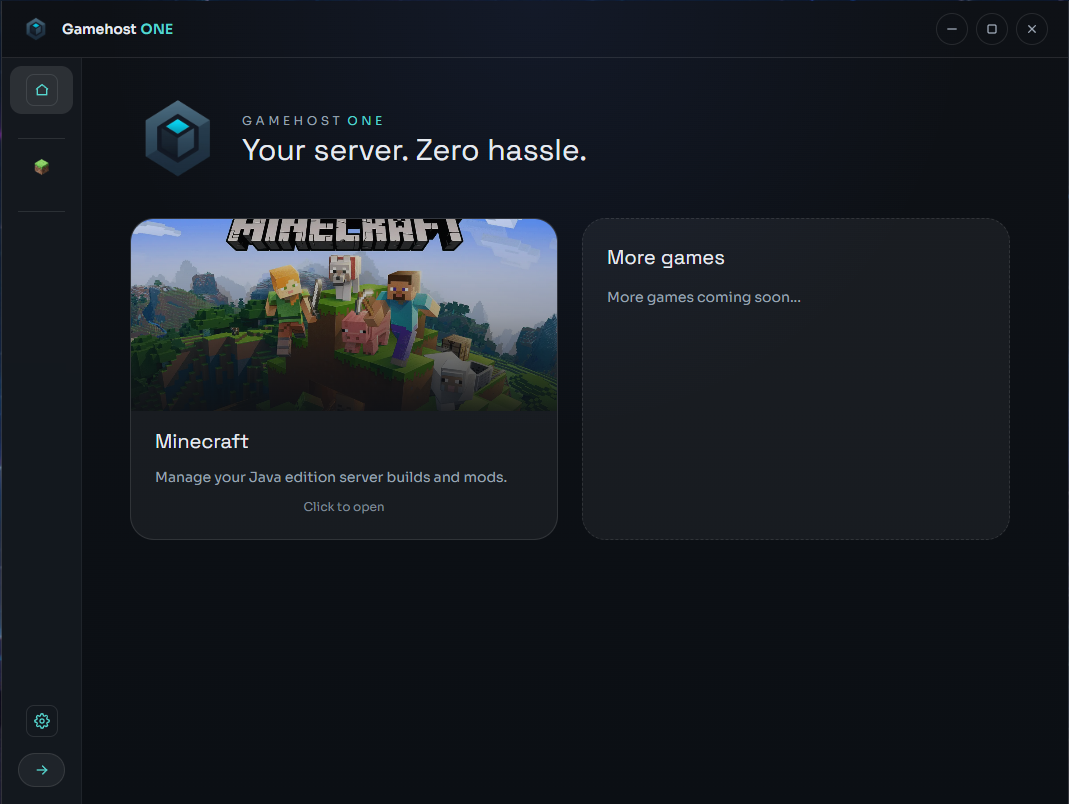
 Minecraft ready!
What it does
Everything you need to run a local Minecraft server.
One-click server start
Start, stop, and restart without commands.
Simple settings
RAM, version, online mode, backups.
Live status & logs
Watch resources and console output in real time.
Screens
Dark UI. Clear flow. Built for focus.
Minimal UI · Game-first
How it works
Three steps. You’re playing fast.
1
Create or import a server
Keep worlds and configs local.
2
Click Start
GameHost ONE checks Java and launches it.
3
Friends join
Copy the IP and play together.
Download
Download GameHost ONE
Free. Local. No account. Windows only.
Windows only
Before you start
Local-first- Create or import a server
- Confirm Java is ready
- Start the server and copy the IP
Local-first
Your server. Your world. Your control.
GameHost ONE keeps your data on your machine unless you decide otherwise.
No accounts
Optional analytics (off by default)
No cloud dependency
No monthly fees
Privacy
Local application. No cookies. No tracking by default.
License
See the repository for full license details.